


Flash Announcement Bar
- 定價
-
免費
- 評分
- 5.0 (3)
主要圖片圖庫
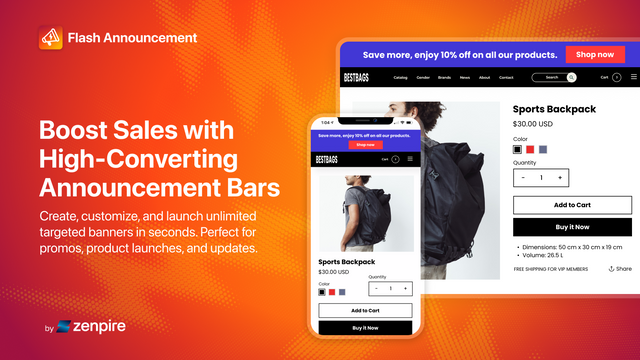


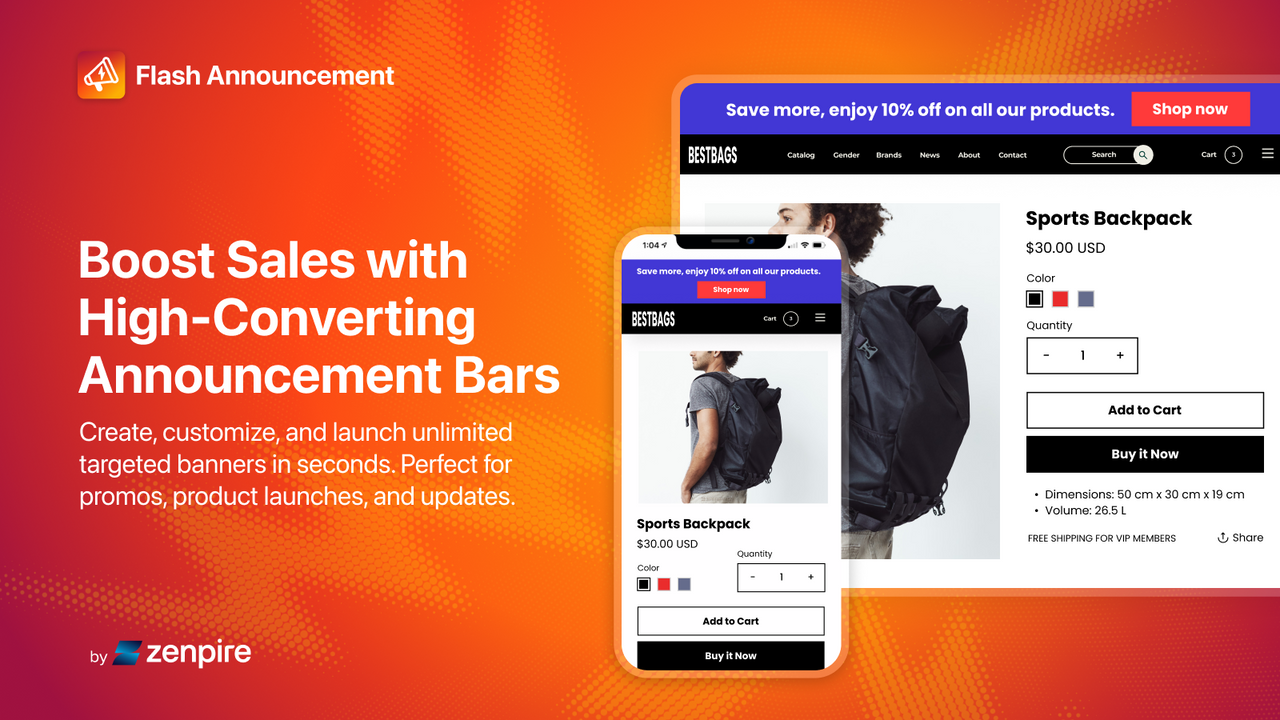



Promote offers with targeted announcement bars that boost visibility, engagement, and conversions.
Quickly communicate with your customers on any page using customizable announcement bars. No coding required. Launch a new campaign quick and easy. Promote sales, product drops, exclusive offers, and updates in seconds. With targeting, scheduling, countdown timers, and flexible design options, you can deliver the right message at the right time to boost engagement and drive conversions.
- Create unlimited customizable announcement bars for any page
- Easy set-up with a live preview. No coding needed. Choose from 40 templates
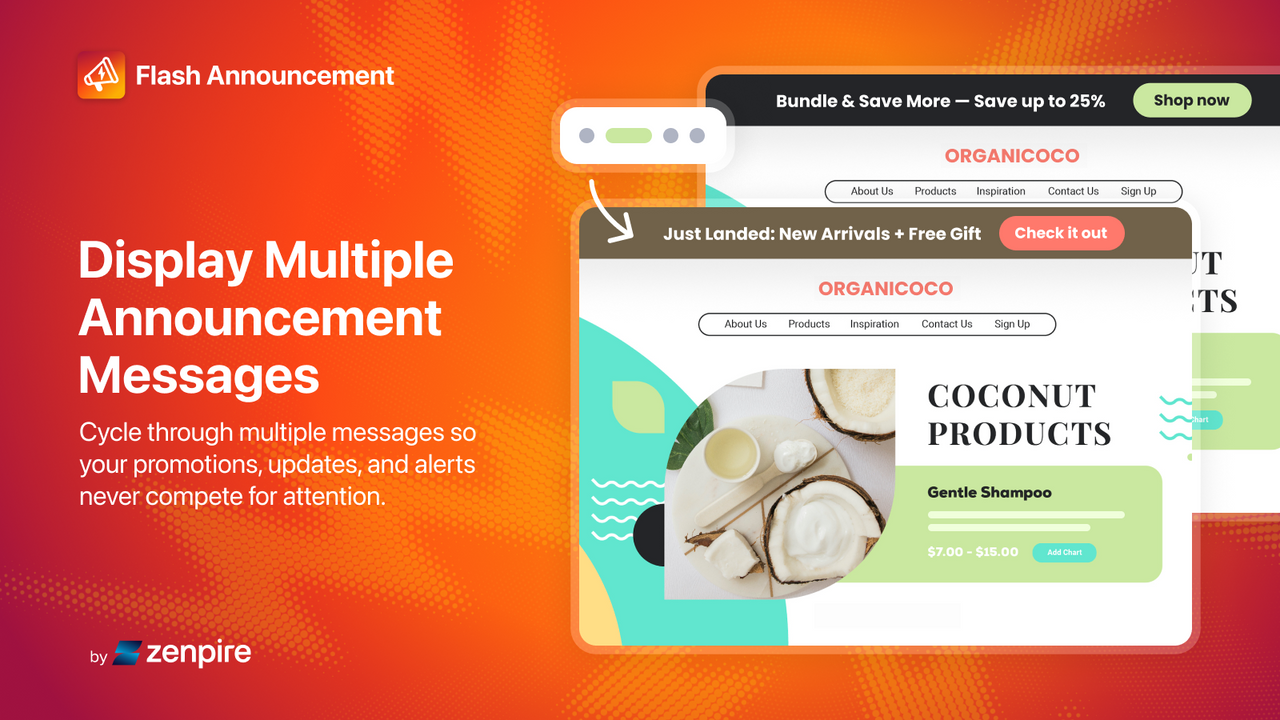
- Display rotating or multiple announcement messages
- Schedule campaigns for sales, launches, and promotions
- Fully customizable design options to match your store branding
語言
英文
這項應用程式尚未翻譯成繁體中文
可與以下項目搭配使用
- Shopify 管理介面
I love this app so much! Its easy to use and you can make changes instantly which was an issue I had with another app. They are super helpful and there to support if you have any questions! We love how the bar looks on our site and all the beautiful colors they have available. You can also personalize with emojis which is really cute on the homepage. It really has made our homepage pop! Love it!
Frankie Blase Fashion
I just installed Flash Announcement Bar and I already love it. The setup was super easy, everything is simple to navigate, and adding announcements and placements was very straightforward. I especially love the smooth scrolling and the fact that I can add multiple announcements on one bar. It’s awesome and works exactly the way I hoped it would.
支援服務
App 支援由 Website on Demand Studio, LLC 提供。
資源
開發者無法直接以繁體中文提供支援。
開發者
發布日期
2026年5月6日
資料存取權
這項應用程式需要存取以下資料,才能在商店中正常運作。 原因請參閱開發者的隱私權政策 。
檢視員工與協作者資料:
商店擁有人
-
商店擁有人
姓名、 電子郵件地址、 電話號碼、 實體地址
檢視與編輯商店資料:
線上商店、 Shopify 管理後台
-
編輯線上商店
佈景主題、 由 app 控制路徑的線上商店頁面內容
-
編輯 Shopify 管理後台
檔案
其他同類型應用程式


符合我們成效、設計和整合層面的最高標準。 深入瞭解「在新視窗中開啟」

符合我們成效、設計和整合層面的最高標準。 深入瞭解「在新視窗中開啟」

符合我們成效、設計和整合層面的最高標準。 深入瞭解「在新視窗中開啟」

