Hello Everyone!
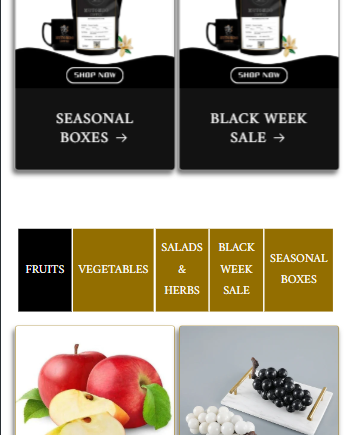
I have added collection tabs through coding. I want the collection tab to look nicer in mobile mode. It looks great in desktop mode but not good in mobile mode. 3 or 4 tab menus on the top line and the rest of the menus below can be kept beautifully in mobile mode?
Store: https://delicious-fruits-vegetables.myshopify.com/
Password: Admin
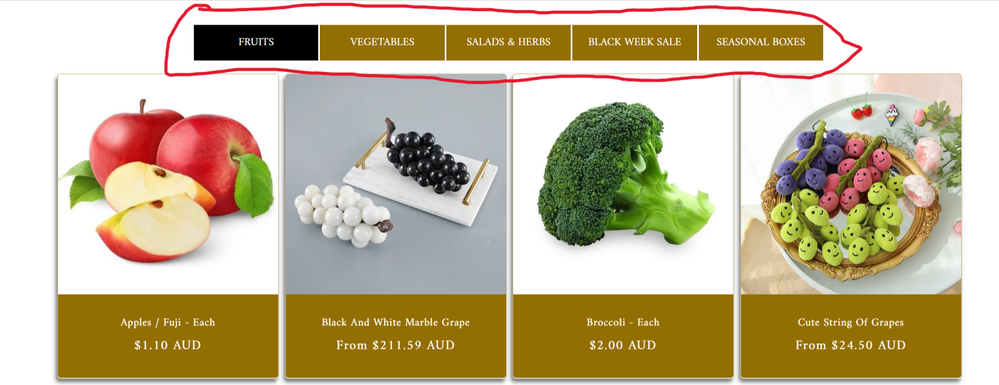
Desktop Mode looks Good
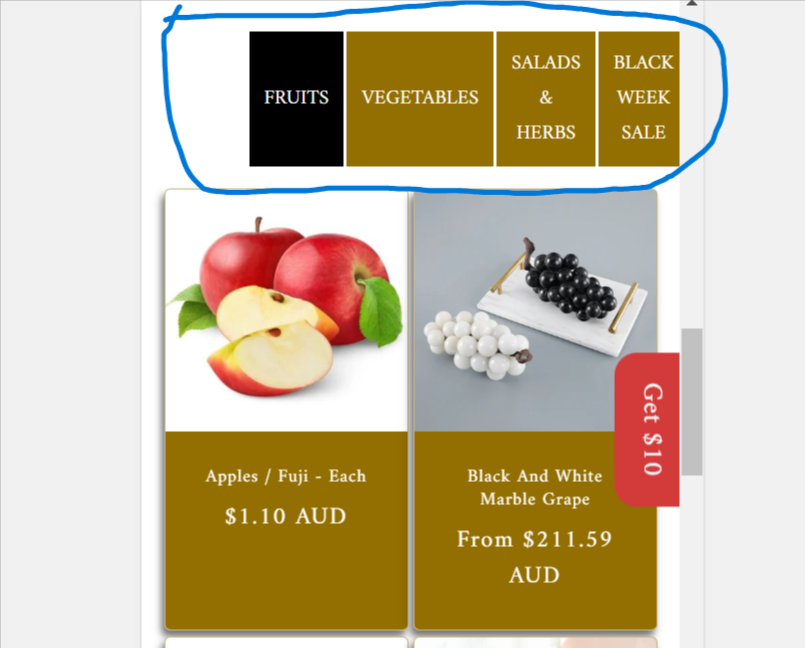
Mobile Mode Not Good
Can this be done in mobile mode?
Hi @dreamtechzone_5
Please like and accept the solution if it works for you
Thanks!
DaisyVo
February 17, 2025, 3:30pm
3
Hi @dreamtechzone_5
I hope you are well. You can follow our instructions below:https://prnt.sc/M4p-gua99Uf4 https://prnt.sc/b6xveIKe-Rh2 https://prnt.sc/KWtKYyZkDtYJ
Here is the code for Step 3:
{% style %}
@media screen and (max-width: 768px){
div.shopify-section > .tabs {
    width: 90% !important;
}
div.shopify-section > .tabs button {
    padding-inline: 6px !important;
}
}
{% endstyle %}
Please let me know if it works. Thank you!
Best,
Wow Great. It worked. Thank you very much. Another thing, is it possible to add a “View More” button to each collection tab?
Hi @dreamtechzone_5