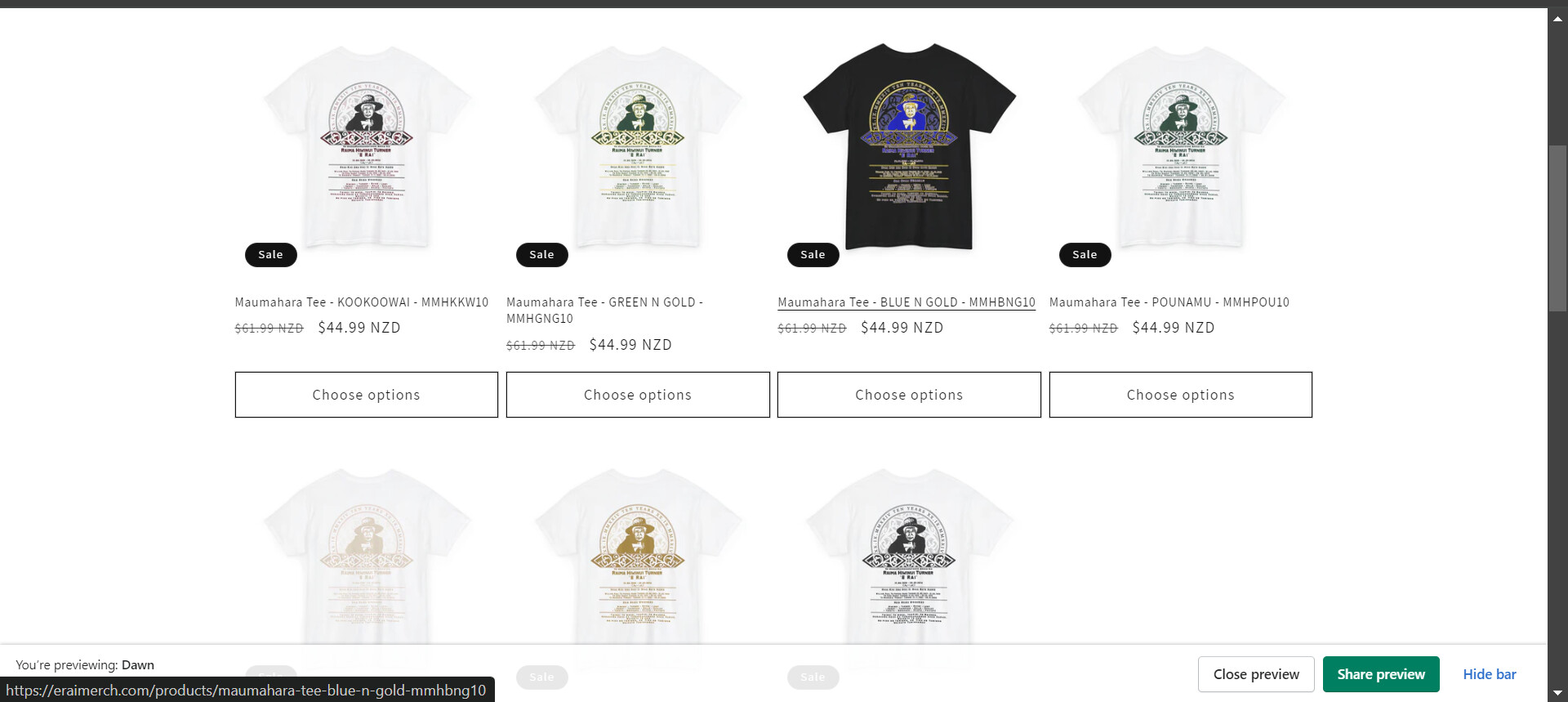
Hi, how can I remove the “Choose options” in You may also like part of Product page:

Hi @arutze ,
Try this.
- From your Shopify admin dashboard, click on “Online Store” and then “Themes”.
- Find the theme that you want to edit and click on “Actions” and then “Edit code”.
- In the “Assets” folder, click on “base.css, style.css or theme.css” file, depending on which file your theme uses to store its CSS styles. At the bottom of the file, add the following CSS code:
- And Save.
.collection.section-template--19147773968720__6cb11633-e58b-415c-b608-72697368dac4-padding.collection--full-width .quick-add.no-js-hidden {
    display: none;
}
Result:

I hope it help.
it helped! thank you
Hi, do you know how to hide “choose option” button, but from collection page? I just want it to say “Add to cart” or make it a CTA to open the product page.
If you like to hide it I would need your store URL, but if you like to change into Add to cart. You would need a developer, to change the link into checkout.