Guidelines for using “Buy with Shop”
When you use "Buy with Shop" assets, then you agree to Shop Trademark Usage Guidelines, and understand that violating these guidelines will result in the termination of your license, and you will no longer have permission to use "Buy with Shop" assets. Make sure that you follow the Shopify guidelines for using "Buy with Shop" correctly.
You can Download all "Buy with Shop" assets as a zip file that includes .eps, .jpg, .png, and .svg. Whenever possible, display the "Buy with Shop" button in full color.
For guidance on using "Buy with Shop" Installments artwork, refer to using "Buy with Shop" Installments artwork.
For guidance on using the Shopify brand, including The Shopping Bag and the italicized Shopify wordmark, refer to using our brand.
On this page
"Buy with Shop" lock-up
Whenever possible, display the "Buy with Shop" lock-up in full color.
Download "Buy with Shop" lock-up
Monotone "Buy with Shop" lock-up
Only use the monotone lock-up:
- when you require single color printing
- when you can't get accurate color representation
- when you use a background with low contrast
- when you use a busy or patterned background

Download monotone "Buy with Shop" lock-up
Clear space
Always keep a clear space or padding of 'X' around the "Buy with Shop" lock-up to maximize its visual impact in every composition.
'X' refers to the height of the lock-up.

Minimum size
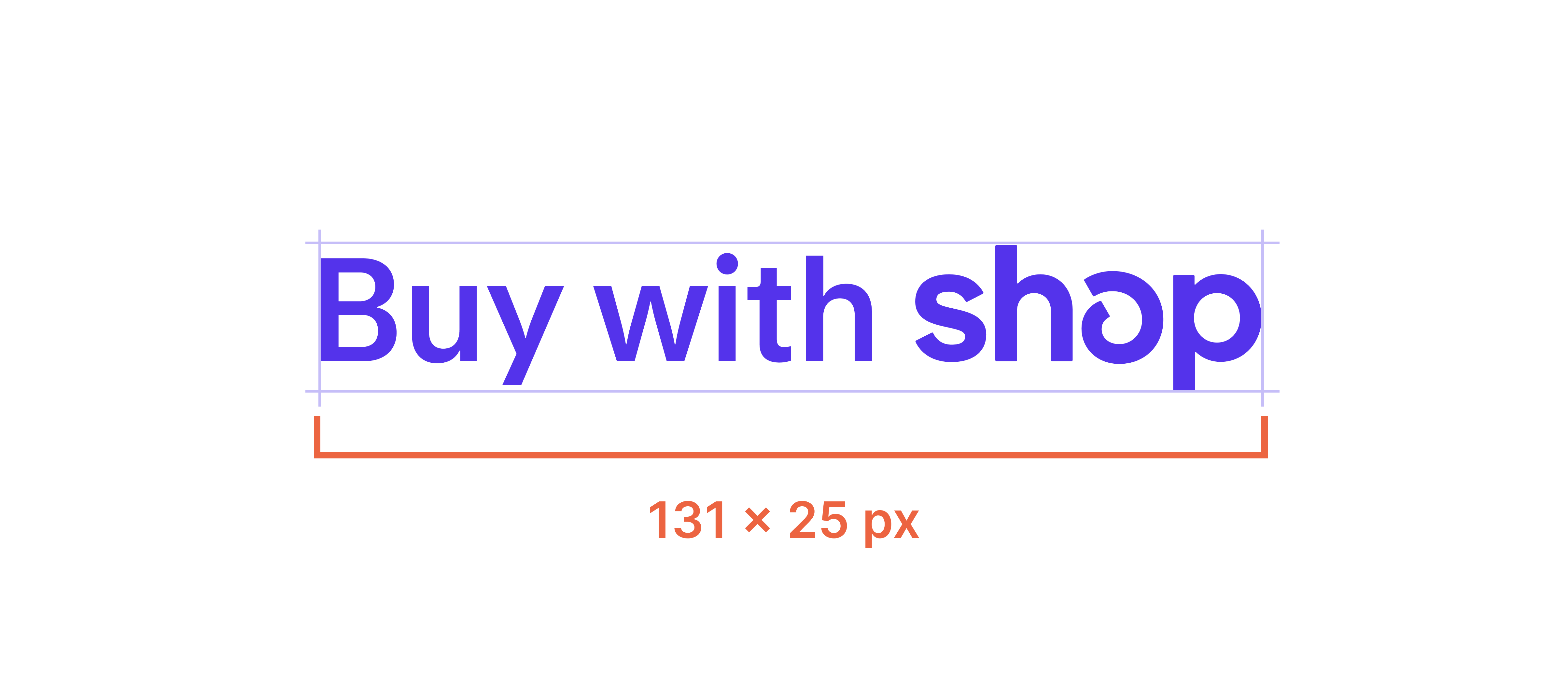
To maintain the visual integrity of the "Buy with Shop" lock-up, don't scale it below 131 x 25 pixels (px).
Best practices
When you use "Buy with Shop" assets in your online store, consider the recommendations in the following table.
 |
 |
 |
 |
Here are some examples of what you should avoid when using "Buy with Shop".
 The only variations accepted are full color, all black, or all white. |
 |
 Instead, use the monotone lock-up to provide the most contrast. |
 |
 |
 |
Learn more about designing for web accessibility.
Add payment buttons
If you're using Shop Pay, then you can use the "Buy with Shop" checkout button.
"Buy with Shop" checkout button
The "Buy with Shop" checkout button is located in dedicated express checkout sections. The button is often bundled with other express payment options on cart pages or on checkout.

Download all "Buy with Shop" payment buttons
Trademark usage guidelines
These guidelines explain how you must use and visually present "Buy with Shop" assets. Use of the "Buy with Shop" assets indicates your acceptance of these guidelines and that you understand that your use of these assets in violation of these guidelines will result in automatic termination of your license and/or permission to use them.
- You may only use these assets following the guidelines set out on this page and only for the purpose of promoting the store of a Shopify merchant that has activated Shop Pay, unless otherwise expressly authorized in writing.
- Your use of these assets must not mislead consumers as to Shopify's sponsorship of, affiliation with, or endorsement of your company or your products or services.
- These assets, including the "Buy with Shop" lock-up and button, are Shopify's exclusive property, and all goodwill that results from your use of any of those assets will be solely to our benefit and you will not take any action that is at odds with our ownership of those assets. Where used on a web page these assets should include embedded hyperlinks to our homepage: www.shopify.com.
- These assets must be used in a respectful manner. They may not be used in a way that harms Shopify, our products or services, or in a manner which, in our opinion, lessens or otherwise damages our reputation or the goodwill in our trademarks or any other assets we own. In other words, don't associate our assets with any illicit or illegal activities or use them in a way that is deceptive or harmful.